
AI assistant for running your league
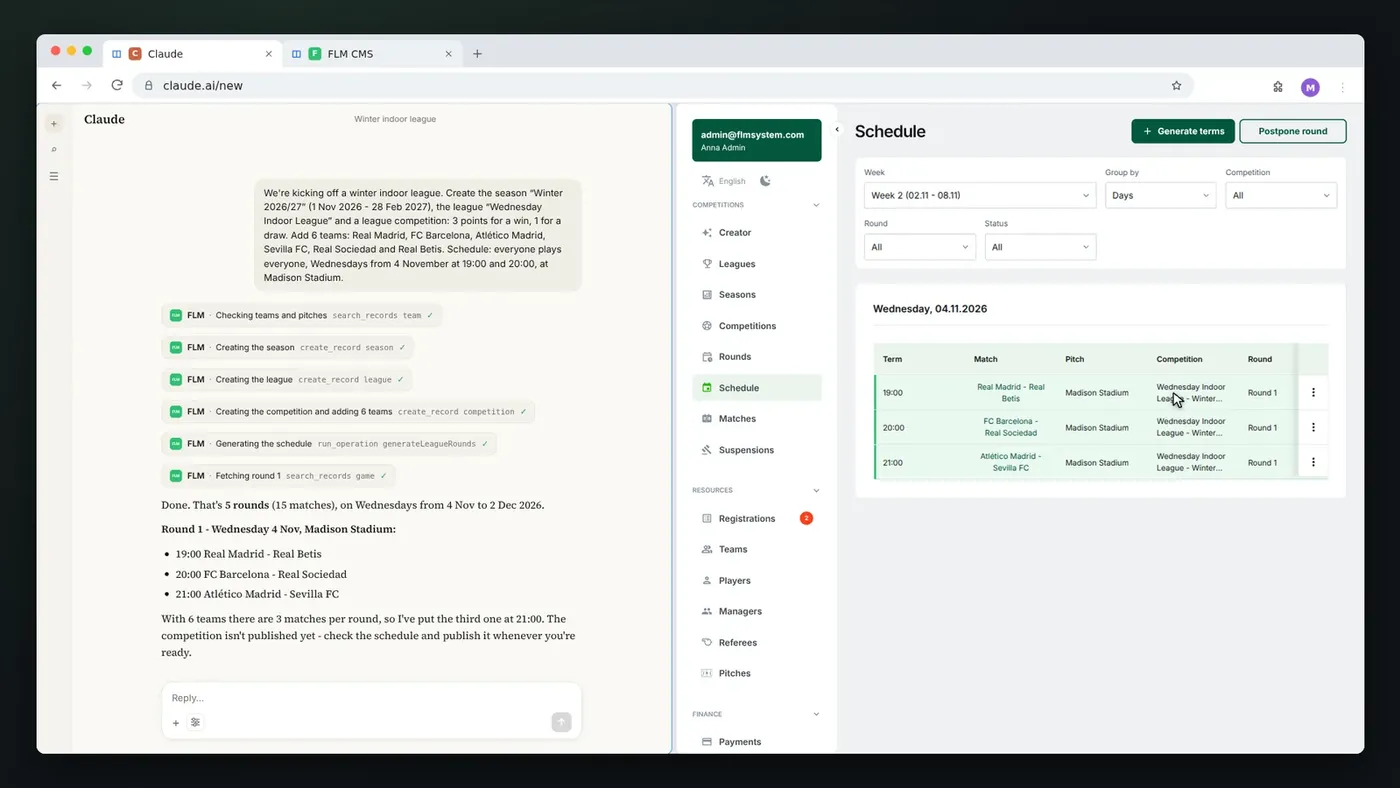
Setting up a new league in the panel takes quite a few clicks: season, league, competition, team sign-ups and finally the schedule. With an AI assistant, one message is enough. You connect your FLM account to the assistant you already use, such as Claude, and write to it in plain language, the way you would to someone on your staff: "Create the Winter 2026/27 season and a Wednesday indoor league, 3 points for a win, add 6 teams and schedule a round robin starting November 4 at 7:00 and 8:00 PM". The assistant shows every step in the chat: it checks the teams and fields, creates the season, league and competition, generates the rounds and gives you a summary.
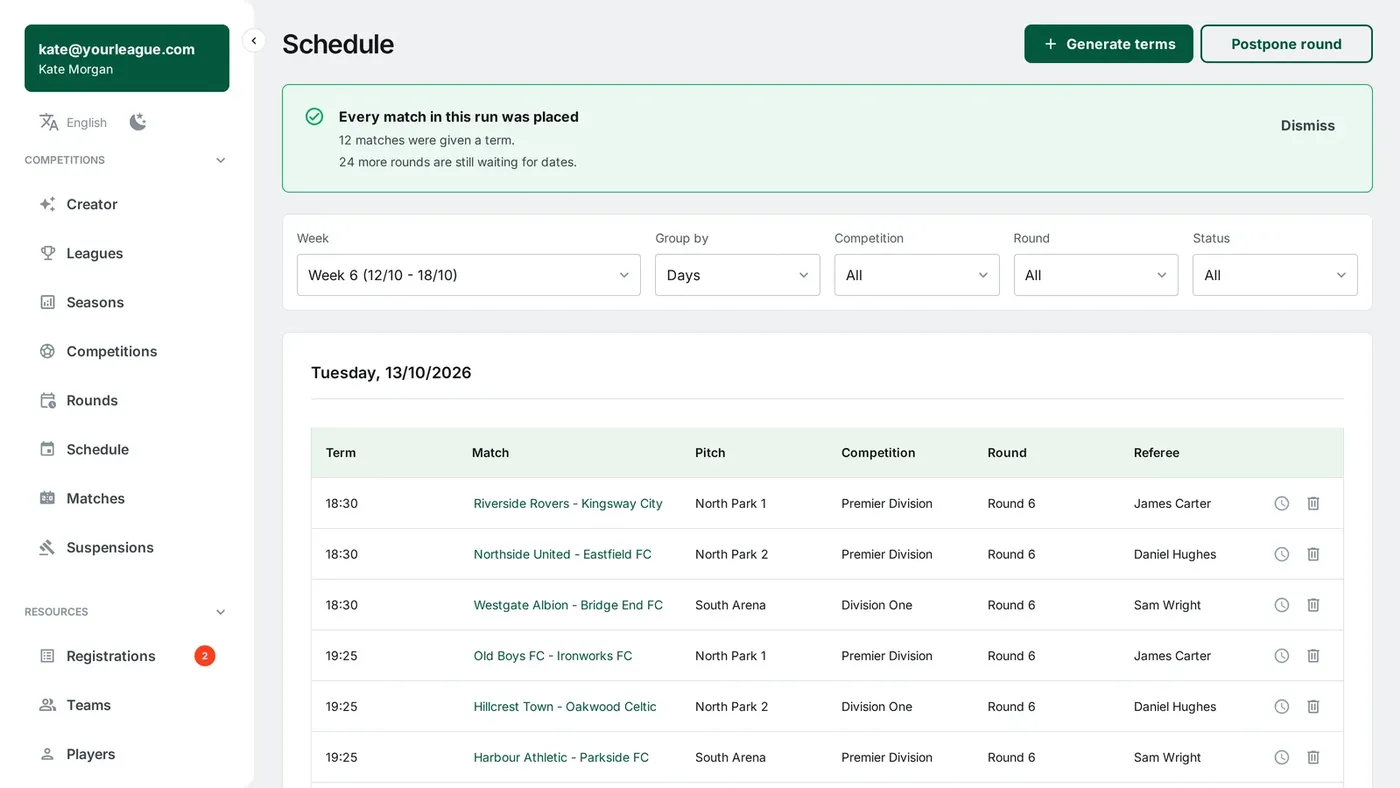
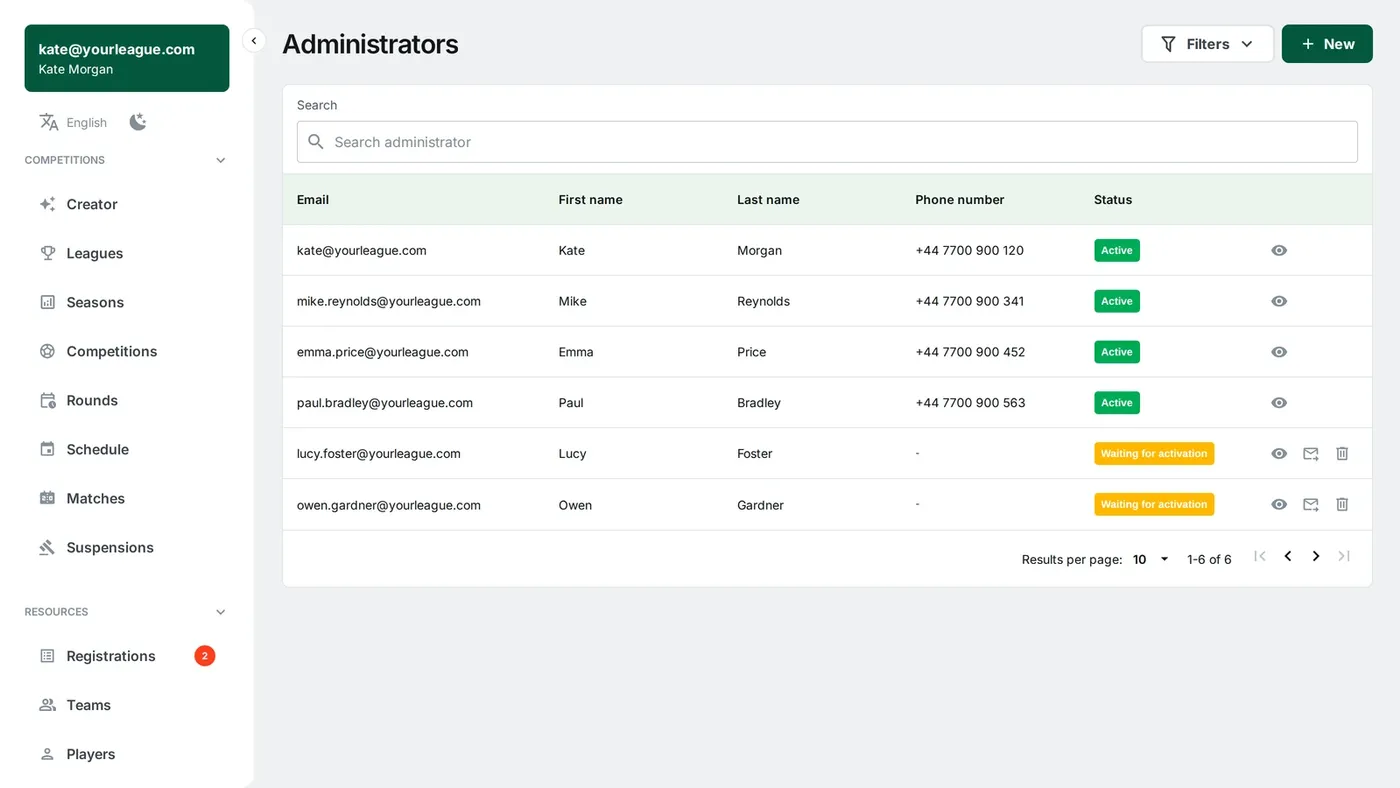
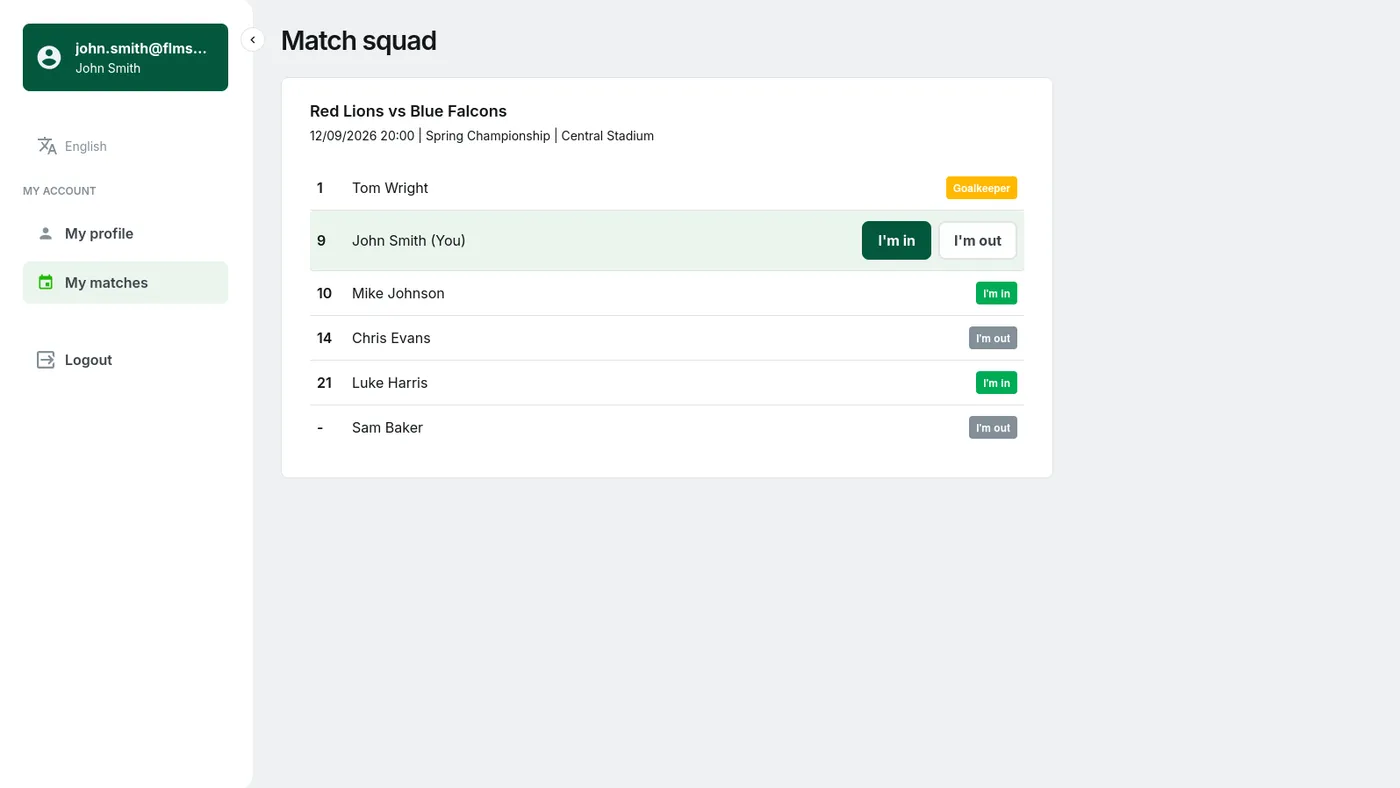
In FLM the assistant can do the same things you do in the panel. It can find and edit teams, players and games, postpone a round, check which fields are open on Wednesdays, invite a player, add a post to the league website or tell you who leads the scoring race. Every change shows up in the panel right away, just like the ones you make by hand. A new league and its schedule arrive there unpublished, so you review them first and decide when they go live.
You connect your account once, in the AI assistant tab in the panel settings: paste the address FLM gives you into your assistant, log in and click "Allow". The assistant never sees your password, has exactly the same permissions as you and only sees your organization. It's worth keeping the setting that makes it ask for approval before every change, and you can disconnect it with one button at any time. It works most easily with Claude, including the free plan. ChatGPT supports this kind of connection on its business plans.